



Everything has a name.In the language your family speaks.
Language Toybox is a calm, Montessori-inspired toybox for toddlers and preschoolers. Tap a ferry, a teacup or a rock on Mars and hear its word spoken aloud in one of 12 languages.

Free to download for iPhone and iPad.
Eligible new subscribers get a 7-day free trial.
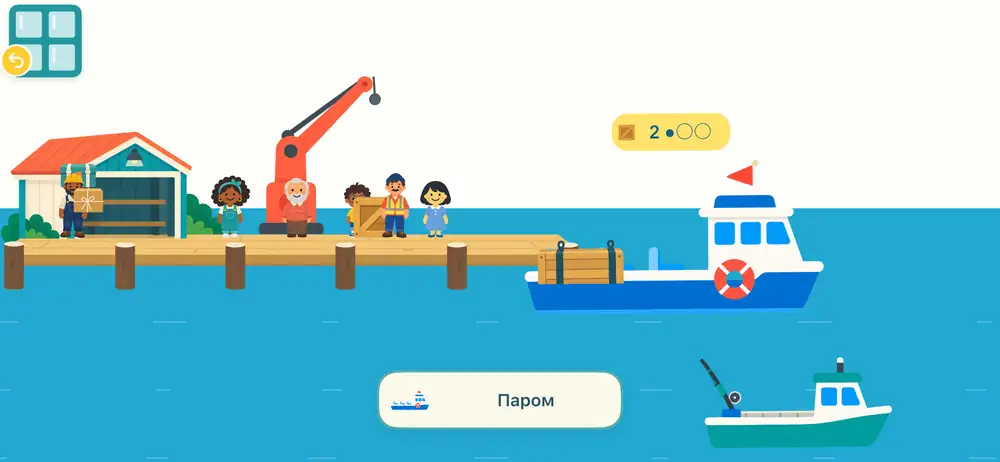 паром ferry, Russian
poisson fish, French
паром ferry, Russian
poisson fish, French
Touch something. Hear its name.
A grown-up picks the language
Choose one of 12 languages in the grown-up area, behind a quick grown-up check. Switch whenever you like.
Your child explores
No lessons and no drills. Little worlds to wander through, at their own pace.
Every tap says a word
A recorded voice says the object's name and the word appears on screen. Turn on short action phrases for a little more.
Little worlds to fly through
Open a window and step inside. Each one is a quiet, hand-drawn place full of things to touch and name.
-
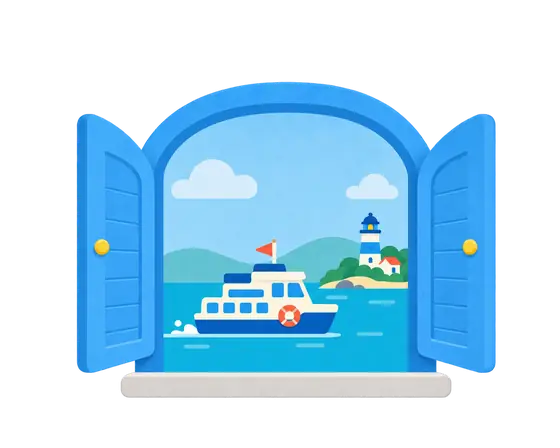
Little Harbor
Load cargo, wave at the workers and send the boats out to sea.
паром ferry, in Russian
-
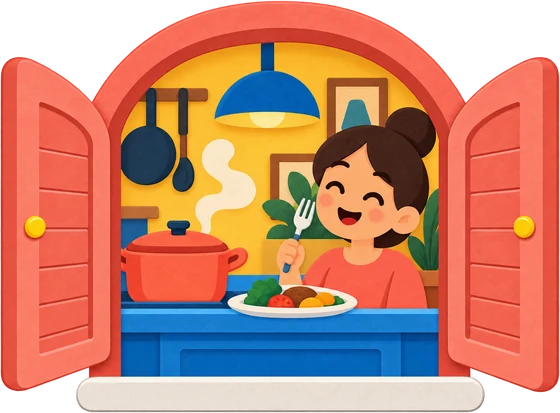
Restaurant
Cook, serve and seat the guests in a busy little café where every guest has a name.
mujer woman, in Spanish
-
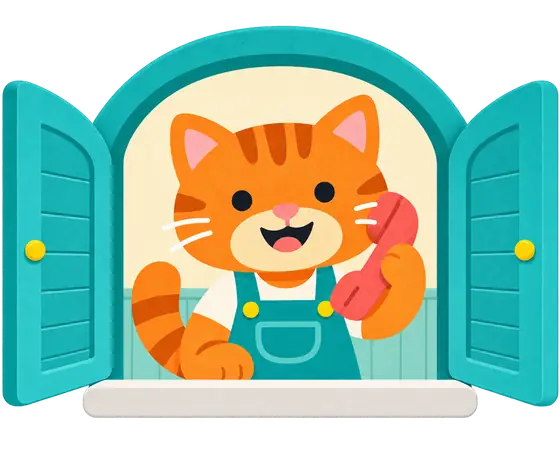
Telephone
Dial a number, pick up, and a friend names a picture. Children can try saying it back.
poisson fish, in French
-
Little Solar System
Fly between the planets and collect rocks on Mars.
火星へようこそ! welcome to Mars, in Japanese
-
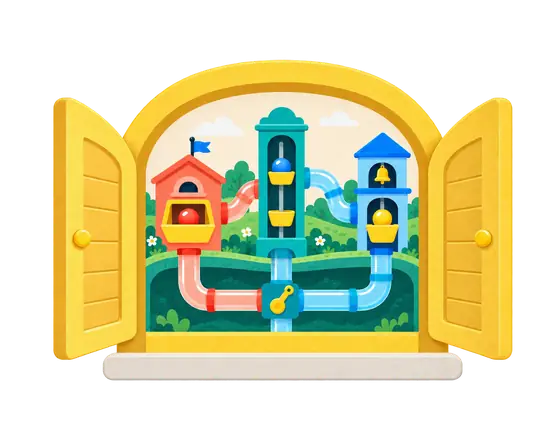
Hillside Toy Town
Slides, tubes and moving toys. Sort the food as it tumbles down and hear what each one is called.
موزة banana, in Arabic
Twelve languages in orbit
Grandma's language, the one you speak at home, or the one you're all learning together.

- العربيةArabic
- 中文Chinese (Simplified)
- EnglishEnglish
- FrançaisFrench
- DeutschGerman
- हिन्दीHindi
- ItalianoItalian
- 日本語Japanese
- 한국어Korean
- PortuguêsPortuguese (Brazil)
- РусскийRussian
- EspañolSpanish (Latin America)
Every word is a recorded voice, with the word shown on screen so children see it as they hear it.

Quiet enough for little ones. Clear enough for you.
No ads
No third-party advertising, and nothing trying to pull your child somewhere else.
Works offline
The recorded voices and artwork are built into the app and stored on the device, so words keep playing without internet.
Play stays on the device
No analytics, and play activity is never sent to us. No account needed: if you subscribe on our website, you just sign in once with your email. Read the privacy policy.
Settings stay with grown-ups
Language, sound and subscription controls sit behind a birth-year check.
One subscription opens every window
The app is free to download. A subscription unlocks every world and all 12 languages.
Start with a 7-day free trial
Monthly
US$3.99 per month
Flexible. Cancel anytime.
Annual
US$34.99 per year
Save 27% versus paying monthly. One payment for a whole year of play.
The free trial is for eligible new subscribers. Apple shows eligibility and the price in your currency before you subscribe. Subscriptions renew automatically unless canceled at least 24 hours before the current period ends. Manage or cancel in your App Store account settings. Deleting the app does not cancel a subscription. Subscribed on our website instead? Manage or cancel anytime at languagetoybox.com/manage.
Questions from grown-ups
Which devices does it run on?
iPhone and iPad with iOS 16 or later. Download it free from the App Store.
Does my child need to be online?
No. The artwork and the recorded voices are built into the app and stored on the device, so children can play and hear words without an internet connection.
How do I choose or change the language?
Open the gear on the home screen, complete the grown-up check, then choose a learning language. The app's menus follow your device language, separately from the language your child hears.
Does the app use the microphone?
Only in the Telephone world, and only if you allow it. When a call begins, the app can ask for microphone and speech-recognition permission so children can try repeating a word. Listening uses Apple's on-device speech recognition, and recordings and transcripts are not saved or uploaded. Everything else works if you say no.
Do I need to create an account?
No. Subscribe in the app through Apple and there's nothing to sign up for. Play settings are saved on your device. If you subscribe on our website instead, you'll sign in to the app once with that email and a 6-digit code we send you.
How does the free trial work, and how do I cancel?
Eligible new subscribers start with a 7-day free trial, then the plan you chose begins. If you subscribed in the app, cancel any time in iPhone or iPad Settings, then your name, then Subscriptions; Apple handles billing and refunds. If you subscribed on our website, cancel any time at languagetoybox.com/manage. Support has step-by-step help.
Ready for lift-off?
Little worlds, 12 languages, and a word for everything your child touches.
Free to download. Eligible new subscribers get a 7-day free trial.